

 Vibooks + ChatGPT (Codex)
Use ChatGPT for bookkeeping.
Give ChatGPT (Codex) your receipts and invoices. Review what it prepares, then record it in Vibooks.
Start setupInstall the desktop plugin.
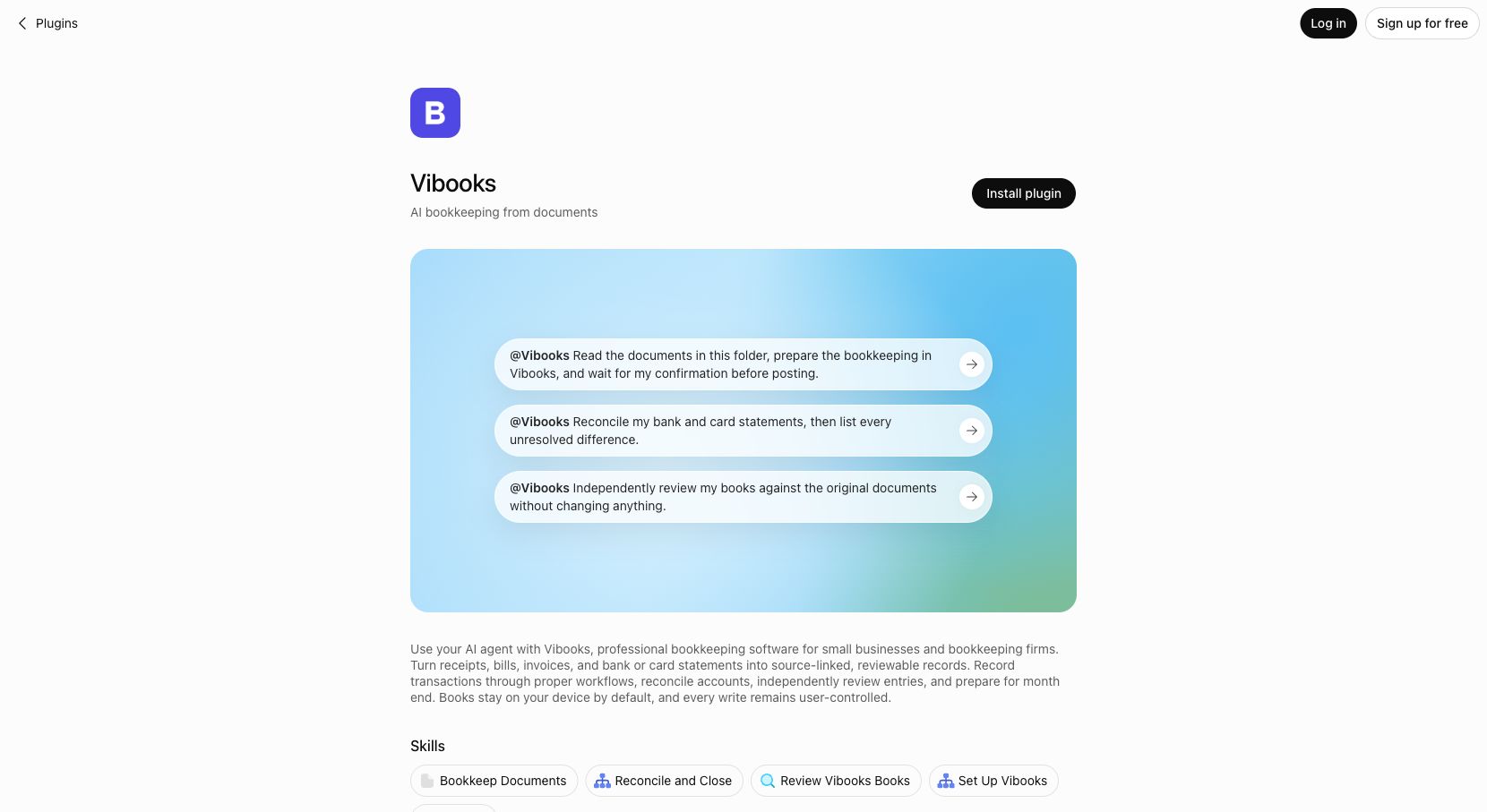
In the ChatGPT (Codex) desktop app, open Plugins, search for Vibooks, and install it.
Open Vibooks in ChatGPTThis guide is for the desktop plugin; availability depends on your account and workspace, and this setup is not a ChatGPT web integration.
With the plugin installed, use the prefixes below to explicitly invoke Vibooks.
Connect your book.
@Vibooks Help me install and connect Vibooks.Send your documents.
@Vibooks Prepare these documents for Vibooks and record only after I approve.You can also install with one prompt.
Ask ChatGPT (Codex) to install Vibooks for you. It needs your permission to run installation commands.
Follow https://vibooks.ai/skill.md to install and connect Vibooks for me.With this setup, use ordinary language—no plugin prefix is needed. For example:
Prepare these documents for Vibooks and record only after I approve.Installation details and help
- Open Plugins in the ChatGPT (Codex) desktop app.
- Search for Vibooks.
- Open Vibooks and select Install plugin.
Share only the files and access needed for your task; material uncertainties must be resolved before recording, and your agent must use the official Vibooks workflow.
View public repositorySee the real workflow
Install the Plugin. Start with one request.
Watch the official Vibooks demonstration—from finding the Plugin in ChatGPT (Codex) to preparing bookkeeping for review.
Watch on YouTube